wicket77 Login
Sign in with your mobile number to access cricket betting, live casino, slots, and crash games. Returning players get in within seconds and resume where they left off.
Sign In to Your Account
Keep Your Account Safe
Security starts with you. Follow these practices to protect your wicket77 account and keep your funds secure.
Use a Strong Password
Combine uppercase, lowercase, numbers, and symbols. Avoid common words or sequences. Change your password every 90 days and never reuse passwords from other sites.
Never Share Login Details
wicket77 staff will never ask for your password via email, SMS, or phone. If someone claims to be from support and requests your credentials, report them immediately.
Log Out on Shared Devices
Always sign out after playing on a friend's phone or public device. The Remember Me feature should only be used on your personal device. Clear browser data if you logged in on a shared computer.
Avoid Public WiFi for Deposits
Use your mobile data connection when making deposits or withdrawals. Public WiFi networks can be intercepted. If you must use public WiFi, enable a VPN first.
Check Your Activity Regularly
Review your transaction history and bet records weekly. If you see unfamiliar activity, change your password immediately and contact support at [email protected] within 24 hours.
Can't Log In? Start Here
Most login issues resolve in under 2 minutes. Check this table for your specific problem and follow the fix.
| Problem | Why It Happens | How to Fix It |
|---|---|---|
| Wrong mobile number or password | You entered incorrect credentials or used a different number during registration. Bangladesh mobile numbers must start with 01 and contain 11 digits. | Double-check your mobile number format (01XXXXXXXXX). Try the Forgot Password link to reset via SMS. If you registered with a different number, use that one instead. |
| Account locked after multiple failed attempts | Security system locks your account for 15 minutes after 5 consecutive wrong password entries. This prevents unauthorized access attempts. | Wait 15 minutes and try again. During this time, you can request a password reset. The lock expires automatically and no action from support is needed. |
| Session expired message | Your login session timed out due to inactivity (30 minutes) or you logged in from another device. Only one active session is allowed per account. | Click Log In again. If the problem persists, clear your browser cache and cookies, then restart your browser. On the app, force close and reopen it. |
| Password reset code not arriving | SMS delivery delays, wrong mobile number entered, or your inbox is full. Some operators block automated messages during peak hours. | Wait 3 minutes for the SMS. Check your number is correct. Try again during off-peak hours (before 10 AM or after 11 PM). Contact support if no code arrives after 3 attempts. |
| Page keeps refreshing or shows error | Browser cache conflict, outdated cookies, or server maintenance. Occasionally caused by ad blockers or browser extensions interfering with login scripts. | Clear browser cache and cookies, then refresh. Try incognito mode or a different browser. Disable ad blockers temporarily. Check wicket77 social media for maintenance announcements. |
| Account suspended notification | Your account was flagged for violating terms (multiple accounts, bonus abuse, or incomplete KYC). Suspensions are issued after manual review. | Email [email protected] with your registered mobile number and a brief explanation. Include your NID or passport if KYC is incomplete. Response time is usually under 6 hours. |
Compare Login Methods
wicket77 offers three ways to sign in. Pick the one that fits your routine and device preference.
Mobile Number Login
Default method for all players
- Fastest for Bangladesh users
- Works on web and app
- Easy password recovery via SMS
- Linked to your bKash/Nagad deposits
Username Login
Optional alternative identifier
- Set a custom username in settings
- Useful if you change mobile numbers
- Still requires mobile verification
- Cannot recover password without mobile
App One-Tap Login
Available on wicket77 Android app
- Biometric login (fingerprint/face)
- No password entry needed
- Offline session storage
- Download at wicket77 App
Step-by-Step Login Process
Complete these four steps to access your account. The entire process takes under 30 seconds for returning players.
-
Open wicket77 Login Page
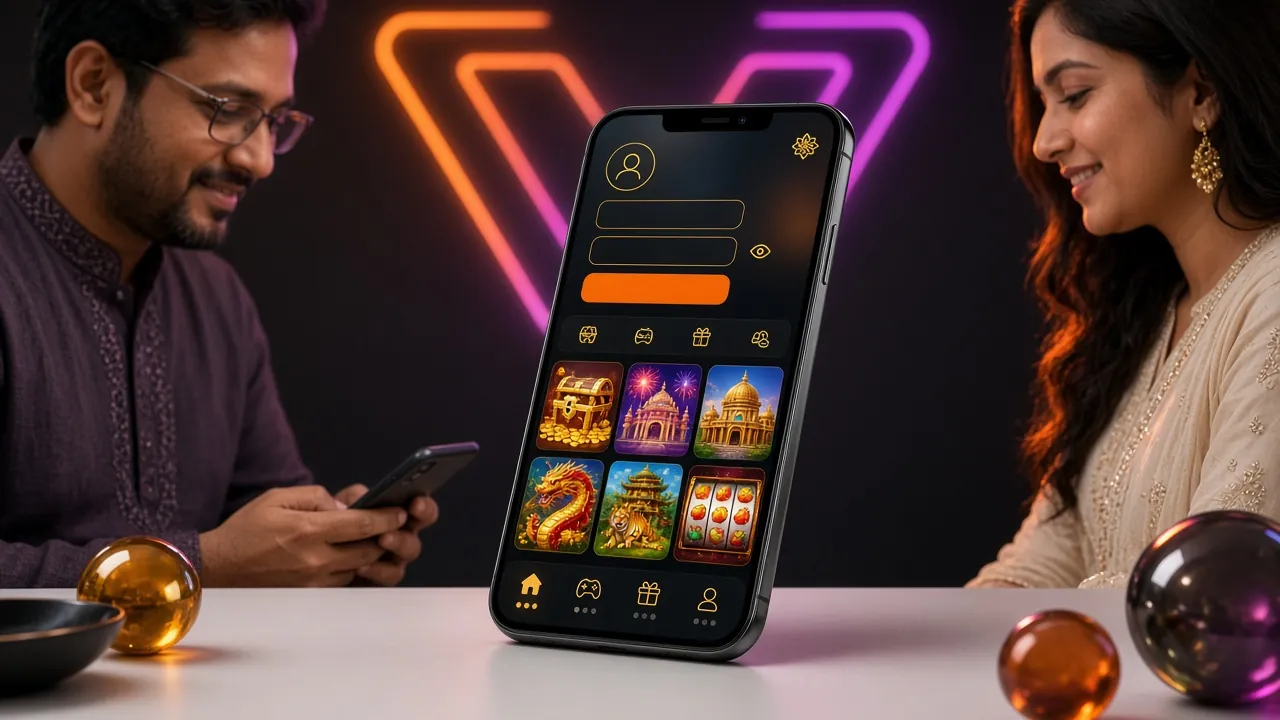
Visit wicket77.ws on your mobile browser or desktop. Tap the Log In button in the top navigation bar. The wicket77 app opens directly to the login screen when launched. If you saved the site to your home screen, tap the icon to go straight to login.
-
Enter Your Mobile Number and Password
Type your 11-digit Bangladesh mobile number starting with 01. Enter the password you created during registration. Double-check for typos before submitting. If you enabled Remember Me last time, your number may auto-fill. Use the eye icon to reveal your password and confirm accuracy.
-
Tap Log In and Wait for Verification
Click the Log In button. The system verifies your credentials in under 2 seconds. If you enabled two-factor authentication, check your SMS for a 6-digit code and enter it on the next screen. First-time logins from a new device may trigger an additional verification step via SMS.
-
Access Your Dashboard
You are now logged in. Your account balance, recent bets, and available bonuses appear on the dashboard. Tap any game category to start playing. To make a deposit, go to the Cashier section and select your payment method. Your session stays active for 30 minutes of inactivity.
Recover Your Password in 3 Steps
Lost access? Reset your password using the mobile number you registered with. You will receive a new temporary password via SMS.
-
Click Forgot Password Link
On the login page, tap the Forgot Your Password link below the password field. You will be redirected to the recovery page. Keep your phone nearby to receive the SMS code. The recovery page works on all devices and browsers without requiring app installation.
-
Enter Your Registered Mobile Number
Type the mobile number you used during sign-up (01XXXXXXXXX format). Tap Send Reset Code. A 6-digit verification code will arrive via SMS within 2 minutes. If the SMS does not arrive after 3 minutes, check your number is correct and request the code again. Each code expires in 10 minutes.
-
Create a New Password
Enter the 6-digit code from your SMS. Choose a new password with at least 8 characters, including one uppercase letter, one number, and one symbol. Confirm the new password by typing it again. Tap Reset Password. You can now log in immediately with your new credentials.
Login Questions Answered
Find quick answers to common login concerns. If your question is not covered here, contact support at [email protected].
Do I need to verify my account before logging in?
No verification is required to log in after registration. You can access your account, browse games, and place bets immediately. However, you must complete KYC verification before making your first withdrawal. KYC requires uploading your National ID Card, Passport, or Driving Licence. The review process takes up to 6 hours. Start KYC early by visiting your account settings after your first deposit.
Can I log in from multiple devices at the same time?
wicket77 allows one active session per account. If you log in from a second device, the first session ends automatically. This security measure prevents unauthorized access and protects your funds. To switch devices, simply log in on the new device. Your balance, bet history, and bonuses sync across all logins. Use the wicket77 app for faster switching between phone and tablet.
What should I do if I see unusual activity on my account?
Change your password immediately using the Forgot Password link. Log out of all devices by visiting account settings and clicking Log Out Everywhere. Check your transaction history for unauthorized deposits or withdrawals. Email [email protected] with details of the suspicious activity within 24 hours. Include your registered mobile number and any relevant timestamps. Support will freeze your account temporarily while investigating.
Why does my login page look different on mobile?
The wicket77 mobile site uses a simplified layout optimized for smaller screens. All login functions remain identical. Fields are larger for easier typing, and buttons are touch-friendly. The mobile version loads faster on 3G and 4G networks common in Bangladesh. For the best mobile experience, download the wicket77 app at wicket77 App. The app offers biometric login and works offline for checking bet history.
Can I change my registered mobile number after creating an account?
Yes, but you must contact support to update your primary mobile number. Email [email protected] from the email address linked to your account. Include your current mobile number, new mobile number, and a photo of your National ID Card. The change takes 24 hours to process for security reasons. You will receive SMS confirmation on both the old and new numbers. Do not create a second account with the new number, as duplicate accounts violate terms.
Is my login information safe on wicket77?
wicket77 uses SSL encryption to protect all login data during transmission. Your password is hashed and never stored in plain text. The system monitors for suspicious login patterns such as multiple failed attempts or logins from unusual locations. Two-factor authentication via SMS adds an extra security layer. Never share your password or SMS codes with anyone, including support staff. Regularly update your password and avoid using the same password across multiple sites.
Related Guides
Explore these resources to get the most out of your wicket77 account.
Create Your Account
New to wicket77? Sign up in under 3 minutes and claim your ৳23,000 welcome bonus. Registration requires only your mobile number.
Make Your First Deposit
Fund your account instantly with bKash, Nagad, Rocket, or bank transfer. Minimum deposit is ৳500 and funds arrive in 2 minutes.
Download the Mobile App
Get the wicket77 Android app for faster login, biometric security, and offline bet tracking. Version 3.9.5 is 32 MB and works on Android 7.0+.